

In today’s connected world, seeing a cancelled call on your phone can be confusing.
Did the other person hang up? Was it a network glitch? Or is it something on your device?
Understanding what a cancelled call really means helps you troubleshoot issues, prevent missed communication, and even manage your business phone system efficiently.
In this guide, we’ll explore cancelled calls, how they differ from missed calls, blocked calls, and declined calls, what causes them, and practical ways to fix or prevent them.
Whether you use iPhone, Android, VoIP apps, or a business phone system, this post has you covered.
Cancelled Call vs. Other Call Statuses
Not every call that doesn’t connect is a cancelled call. Phones and apps categorize calls differently, and knowing the difference helps you take action.
Cancelled Call
A cancelled call happens when a call ends before it is answered.
It could be because the caller hung up during the ringing phase or due to a network interruption.
- On iPhone, a cancelled call appears in your call log without generating a missed call notification.
- On Android, it may show as “Call Ended” or “Cancelled.”
- Often happens accidentally during mid-ring cancellation.
Example: You start a call to a friend, realize you dialed the wrong number, and hang up immediately. That shows as a cancelled call.
Missed Call
A missed call occurs when the recipient doesn’t answer the phone. The call is fully routed but unanswered.
- Generates a notification on most devices.
- Can appear in call logs along with the call duration of 0 seconds.
Key difference: A missed call reaches the recipient’s device. A cancelled call may never fully connect.
Declined / Rejected Call
A declined call happens when the recipient actively rejects the incoming call.
- Usually triggers a missed call notification for the caller.
- On iPhone, swiping down or pressing the decline button shows as declined.
Difference: Declined calls indicate user action. Cancelled calls may be accidental or network-related.
Blocked Call
A blocked call is from a number that the recipient has blocked.
- The call either goes straight to voicemail or ends silently.
- On Android, it may display as “Call Blocked” in logs.
Difference: Blocked calls are intentional from the recipient’s side. Cancelled calls may be unintentional.
Failed / Dropped / Busy Calls
- Failed calls occur due to technical issues like poor signal strength, carrier settings, or network congestion.
- Dropped calls happen mid-conversation due to connectivity loss.
- Busy calls occur when the recipient’s line is in use.
Table: Call Type Differences
| Call Type | Indicator | Notification | Cause |
| Cancelled | Call ended mid-ring | None / subtle | User hang-up, network issue |
| Missed | Call not answered | Missed call alert | Recipient unavailable |
| Declined | Call rejected | Missed call alert | Recipient action |
| Blocked | Number blocked | None / silent | Recipient blocked number |
| Failed | Call fails to connect | Error / failed notification | Network, carrier, device |
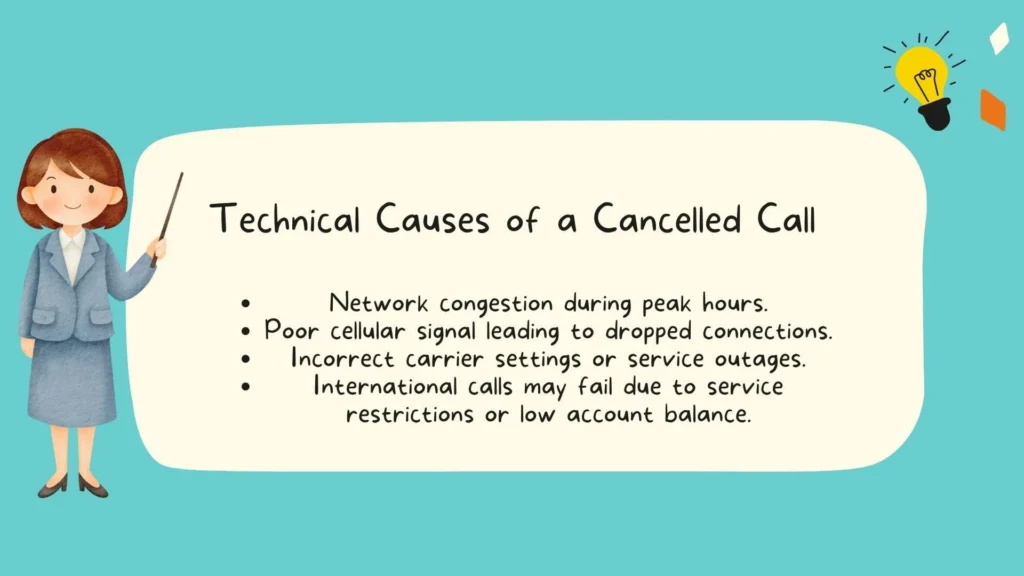
Technical Causes of a Cancelled Call
Sometimes, a cancelled call is not about user action. Technology, networks, and apps play a big role.
Network and Carrier Issues
Network problems are a major reason for cancelled calls.
- Network congestion during peak hours.
- Poor cellular signal leading to dropped connections.
- Incorrect carrier settings or service outages.
- International calls may fail due to service restrictions or low account balance.
Pro Tip: Checking signal strength and toggling Airplane Mode can help troubleshoot temporary network issues.
Device and OS Factors
Your device can trigger cancelled calls unintentionally.
- Outdated software, OS, or firmware.
- SIM card issues such as improper seating.
- Accidental taps on touchscreen devices.
- Battery saver apps or task killers terminating call apps.
App and Third-Party Interference
Apps may conflict with the phone’s telephony features:
- Call blocker apps or VoIP apps like KrispCall.
- Focus mode or Do Not Disturb preventing calls from fully connecting.
- Safe Mode testing can isolate app conflicts.
Telephony and VoIP Mechanisms
If you use VoIP (Voice over IP) or business phone systems:
- SIP registration errors can prevent calls from fully connecting.
- Wi-Fi Calling may fail if the network handshake is interrupted.
- Smart call routing or server issues can cause cancellations before ringing.
Human or User Error
Sometimes, it’s simple human error:
- Hanging up too early during the ringing phase.
- Dialing the wrong number.
- Accidental mid-ring cancellation.
How Cancelled Calls Appear Across Devices and Platforms
Understanding how your phone or app displays a cancelled call can prevent confusion.
iPhone / FaceTime / iOS Devices
- Cancelled calls appear in the call log without a notification.
- Missed calls generate alerts.
- FaceTime follows a similar pattern for video calls.
Android / Google Pixel / Samsung / OnePlus
- Labels may include “Call Ended” or “Cancelled”.
- Missed calls trigger notifications; cancelled calls may not.
- VoIP apps like Google Duo may show as “Missed” even if the call was cancelled mid-ring.
Business Phone Systems
- PBX systems using SIP log cancelled calls.
- Call analytics can track patterns for troubleshooting.
- Smart routing may cause premature terminations if misconfigured.
VoIP and KrispCall / Third-Party Apps
- VoIP apps may record a cancelled call differently depending on network quality.
- Wi-Fi vs. cellular networks impact call termination.
- Call quality monitoring tools help identify network-related cancellations.
Cross-Platform Differences
- Notifications vary: iPhone may be subtle, Android more explicit.
- Focus mode or Do Not Disturb may block the alert entirely.
- International or business calls may show differently in call logs.
Troubleshooting Cancelled Calls
When cancelled calls become frequent, there are practical ways to troubleshoot.
Network Troubleshooting
- Check signal strength and switch between Wi-Fi and cellular.
- Toggle Airplane Mode to reset connections.
- Restart your router for Wi-Fi calling.
- Reinsert SIM card or reset network settings.
Device Maintenance
- Update OS, firmware, and carrier settings regularly.
- Check battery saver or task killer apps interfering with calls.
- Test in Safe Mode to detect app conflicts.
App Conflict Resolution
- Allowlist important apps to prevent interruptions.
- Temporarily disable call-blocker apps or other third-party services.
- Ensure VoIP apps are properly registered.
Call Routing and VoIP Settings
- Audit smart call routing rules.
- Verify SIP registration and server connectivity.
- Monitor call logs and analytics for repeated cancellation patterns.
Preventing Frequent Cancelled Calls
- Avoid calling during peak usage times.
- Make sure dialing is accurate to prevent accidental hang-ups.
- Adjust Focus Mode / Do Not Disturb settings for important contacts.
Monitoring and Understanding Call Analytics
Analyzing call logs and analytics helps identify the root cause of cancellations.
Call Duration Analysis
- Cancelled calls usually show 0-second duration.
- Missed or declined calls may also show minimal duration.
- Tracking patterns helps identify accidental cancellations.
Notification Patterns
- Missed vs cancelled call notifications differ by device.
- On Android, a cancelled call may not trigger a notification; on iOS, it’s subtle.
- Proper notification setup reduces confusion.
Business Telephony Insights
- Call analytics in PBX systems detect network or routing issues.
- Active conversation logs help identify failed or dropped calls.
VoIP Call Quality Monitoring
- Detects latency, packet loss, or network handshake failures.
- Apps like KrispCall provide detailed logs for troubleshooting.
- Enables call retry or automated reconnection.
Reporting and Logging
- Maintain accurate call logs for troubleshooting and auditing.
- Provides detailed information for carrier support or technical teams.
Best Practices to Avoid Cancelled Calls
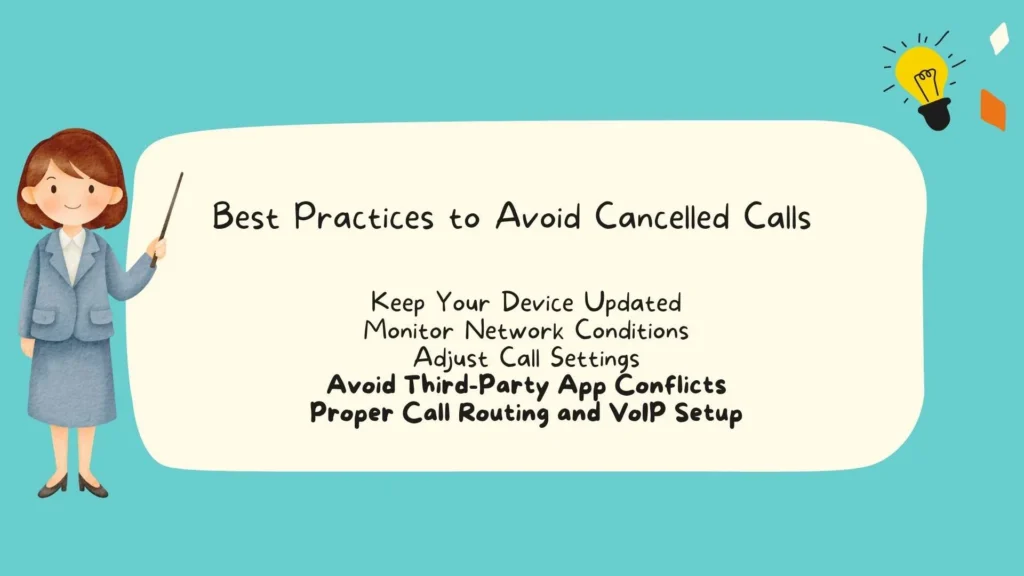
Keep Your Device Updated
- Update OS, firmware, and carrier settings to maintain call stability.
Monitor Network Conditions
- Check Wi-Fi stability and cellular signal strength.
- Avoid calling during periods of network congestion.
Adjust Call Settings
- Configure Focus Mode and Do Not Disturb wisely.
- Ensure important contacts bypass interruptions.
Avoid Third-Party App Conflicts
- Allowlist trusted apps.
- Avoid task killers and aggressive battery-saving apps that terminate call processes.
Proper Call Routing and VoIP Setup
- Verify SIP registration and server settings.
- Use call analytics to detect patterns of cancelled or dropped calls.
- Enable call retry features where possible.
FAQs About Cancelled Calls
Why does my phone show a cancelled call even though I didn’t hang up?
A cancelled call can occur due to network glitches, app interference, or accidental taps on your touchscreen device. VoIP calls are especially sensitive to network issues.
How can I tell if a call was cancelled or blocked?
Blocked calls usually end immediately with no ring, while cancelled calls often start ringing before termination. Check your call log and notifications for differences.
Can network issues cause frequent cancelled calls?
Yes. Poor signal strength, network congestion, or incorrect carrier settings can lead to repeated cancelled calls.
Do VoIP calls have higher chances of being cancelled?
Yes. Wi-Fi or SIP registration issues, network handshake failures, and latency can cause VoIP calls to terminate prematurely.
How can I prevent cancelled calls on my business phone system?
Audit call routing rules, ensure SIP registration is active, monitor call analytics, and adjust settings to prevent network-related cancellations.
Conclusion
Understanding what a cancelled call means is essential for both personal and business communication.
It can result from network issues, device settings, app conflicts, or human error. By distinguishing between cancelled, missed, declined, blocked, and failed calls, you can troubleshoot problems effectively.
Regular device updates, proper network management, and careful call routing for VoIP or business systems help prevent frequent cancellations.
Monitoring call analytics and adjusting settings ensures smoother communication, fewer disruptions, and more reliable connections across all platforms.
Also Check These Posts:
What Does it Mean to Be Based? Understanding its Meaning, Origins and Cultural Context
What Does PS Mean in Shoes? A Complete Guide to Preschool Shoe Sizes
What Does DOA Mean? Complete Guide to Its Meanings, Uses and Contexts

Isabella is a passionate soul who finds beauty in words and meaning in every emotion. Through Quoteliy.com, she shares uplifting quotes that celebrate love, strength, and inner peace. Her writing reflects a heart that believes in healing through hope and inspiring others to see the light in every moment.